3D Renderings vs. Traditional Blueprints
Compare 3D renderings and traditional blueprints to see which helps you visualize, plan, and build your barndominium with confidence.
Why This Question Matters for Homebuilders
Understanding the difference between design documents can save time, money, and costly mistakes.
When you begin researching barndominium floor plans, you'll quickly encounter two very different types of design documents: traditional blueprints and 3D renderings.
Both serve important roles — but they're not interchangeable, and confusing them can lead to real problems down the road.
Many homeowners assume that a beautiful 3D image is the actual plan — it's not. Likewise, blueprints alone don’t fully help you visualize the finished home.
Blueprints
Tell your builder exactly how to construct your home with precise technical details.
3D Renderings
Show you and your family what your finished barndominium will look like.
Blueprints — formally called construction drawings — are the legally binding technical documents that guide every phase of your barndominium’s construction.
Overhead views showing room dimensions, wall placements, door and window locations, and spatial flow between living areas, garages, and shop spaces.
Flat exterior views of each side — front, rear, left, and right — showing rooflines, siding materials, and window heights.
Detailed drawings covering foundation requirements, framing, electrical layouts, plumbing runs, and HVAC systems — everything needed to build safely and to code.
Drawings showing how the structure sits on your land, including setbacks, driveway placement, and utility connections — critical for permitting.
Traditional Blueprints: The Foundation of Every Build
Floor Plans
Elevations
Structural & Mechanical Plans
Site Plans
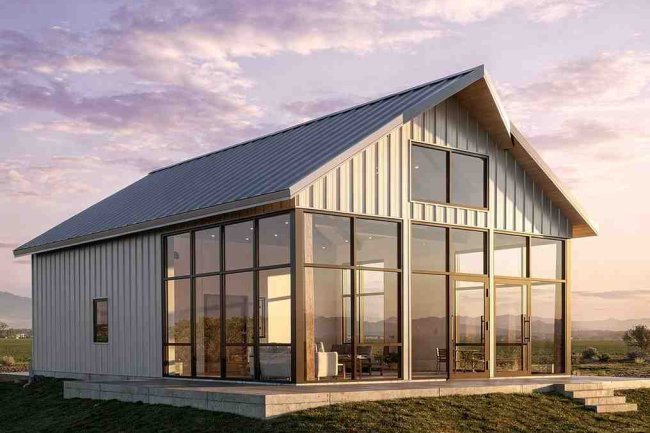
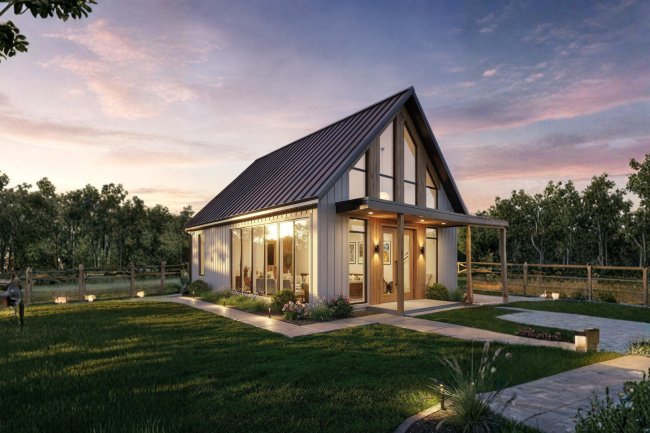
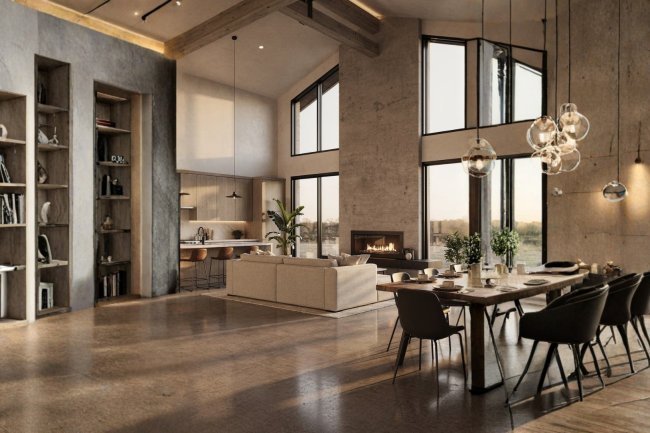
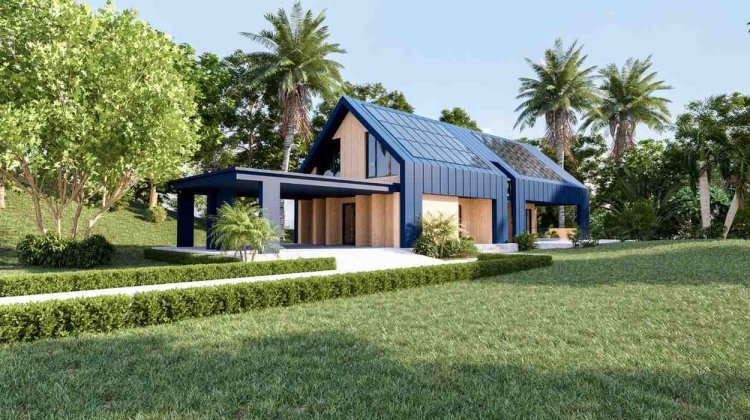
A 3D rendering transforms technical drawings into a realistic preview of your future barndominium.
See your open-concept living space, vaulted ceilings, kitchen island, and finishes before a single wall goes up. Make confident decisions about layout and flow.
Evaluate roof colors, siding options, porch depth, and curb appeal from any angle — helping you align the design with your land and aesthetic goals.
Spot potential issues early — like cramped rooms or awkward layouts — before those decisions are locked into construction drawings.
3D Renderings: Bringing Your Vision to Life
Interior Visualization
Exterior Previews
Design Validation
A practical side-by-side breakdown of how traditional blueprints and 3D renderings differ — and what each is actually used for in the planning process.
Head-to-Head: Key Differences at a Glance
Feature
Traditional Blueprints
3D Renderings
Primary Purpose
Construction guide and permit document
Visual communication and design exploration
Who Uses It
Builders, contractors, engineers, inspectors
Homeowners, designers, lenders, realtors
Level of Detail
Highly technical — dimensions, specs, materials
Visual only — no construction dimensions
Legally Required
✔ Yes — required for permits
✖ No — supplemental only
Design Flexibility
Changes require formal revisions
Easy to explore multiple options quickly
Emotional Impact
Difficult to interpret without training
Immediately relatable for any audience
Used For Financing
✔ Required by most lenders
Helpful for presenting vision; not sufficient alone
Here's how to apply this knowledge step-by-step for a smoother, smarter planning process.
Browse professionally designed floor plans based on your space, bedrooms, and lifestyle needs.
Review renderings to confirm layout, design, and flow before committing to construction.
Obtain full technical documents required for permits, approvals, and financing.
Choose from curated barndominium plans designed for different land types, lifestyles, and codes.
What This Means for Your Barndominium Planning
Start with a Floor Plan That Fits Your Life
Use 3D Renderings to Validate Your Vision
Secure Complete Construction Drawings
Explore Ready-to-Build Plan Options
What's Your Reaction?