Using 3D Visualization for Client Presentations and Concept Reviews
How immersive visuals are transforming the way homeowners, builders, and designers communicate barndominium plans — before a single nail is driven.

Why Traditional Floor Plans Fall Short
For most homeowners exploring barndominium living, a two-dimensional floor plan is a necessary starting point — but rarely a sufficient one. Reading architectural drawings requires a trained eye. Dimensions on paper rarely translate to a visceral sense of space, scale, or flow.
Clients often approve plans confidently, only to arrive at their build site surprised by how a room actually feels. This communication gap creates one of the most expensive challenges in residential construction.
Difficult to Visualize
Costly Revisions
Barndo Complexity
Modern 3D visualization tools bridge the gap between a drawn concept and a lived-in reality. They help homeowners, designers, and builders evaluate ideas visually, make faster decisions, and reduce uncertainty long before construction begins.
The Power of 3D Visualization in Barndominium Planning
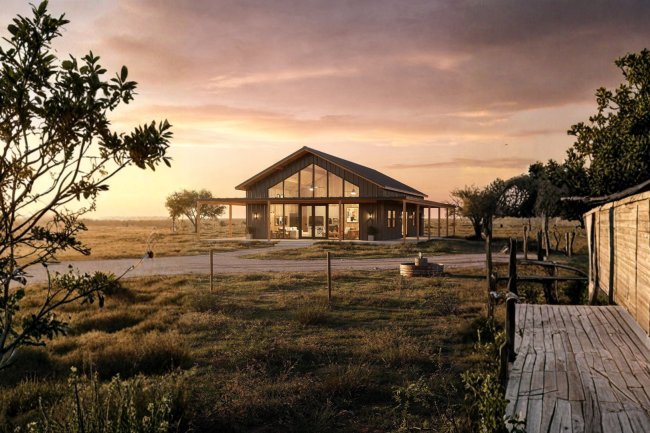
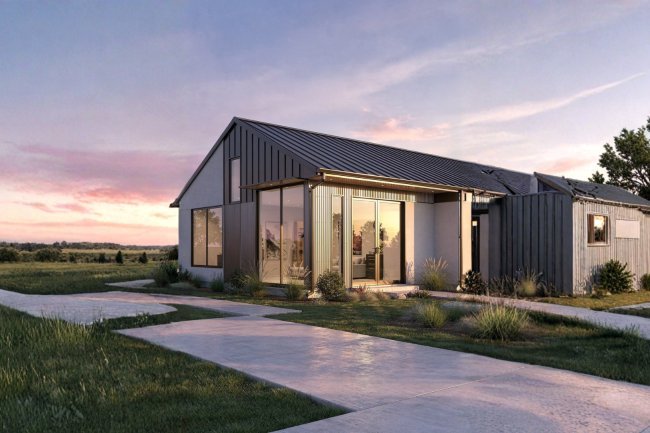
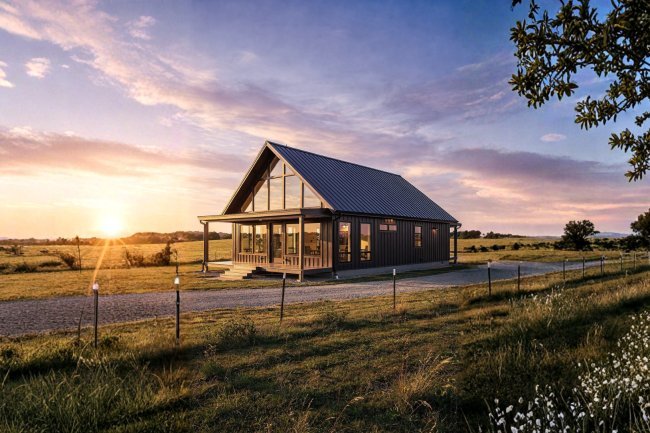
Photorealistic Exterior Renderings
Walkthrough-Ready Interior Views
Material & Finish Comparisons
Site & Landscape Integration
Barndo Plans offers professionally designed barndominium floor plans developed specifically for U.S. builders and homeowners. Their plans are drafted with construction-ready detail, making them an ideal foundation for 3D visualization workflows.
Whether you're working with a local draftsman, a BIM team, or an in-house design consultant, starting from a professionally structured plan dramatically reduces errors in the visualization stage and creates a smoother path to permitting and construction.
Choose a professionally designed barndominium plan that matches your square footage, bedroom count, and shop or garage needs.
Use tools like Chief Architect, Revit, or SketchUp to build a 3D model from the 2D plan. Many barndominium builders now offer this as a standard pre-construction service.
Walk your client through the rendered model in a structured session. Capture feedback on layout, finishes, and spatial flow before locking in the build scope.
Incorporate approved changes back into the working drawings, then submit to your local county or municipality for plan review and permits.
From Concept Review to Construction-Ready Plans
How Barndo Plans Supports the Process
Select a Base Floor Plan
Import Into 3D Software
Run a Client Concept Review
Finalize & Submit for Permits
A strong 3D model begins with accurate construction-ready drawings. Professionally drafted plans provide cleaner geometry, better dimensions, and more reliable visualization results from the very beginning.
Present renderings in a structured walkthrough instead of sending files without context. Live reviews encourage discussion, uncover design concerns early, and lead to faster approvals.
Track every modification request during concept reviews. Even small adjustments can impact cost, engineering, scheduling, or permitting requirements later in the project.
Explore professionally designed barndominium floor plans and start your 3D visualization workflow with a strong foundation. Better plans lead to better renderings, smoother reviews, and more successful builds.
Actionable Tips & Your Next Step
Start With a Quality Plan
Schedule Review Sessions
Document Every Change
Ready to Bring Your Vision to Life?
What's Your Reaction?